
Alight Motion Comparison: Which Video Editor Is Best in 2026?
This Alight Motion comparison covers CapCut, InShot, KineMaster, Filmora, VN, and After Effects. Alight Motion suits keyframe-heavy motion graphics on a phone; CapCut, InShot, and VN suit quick social edits, and After Effects is the desktop route. The best choice depends on your device, budget, and whether you can live with a watermark.
- CapCut
- InShot
- KineMaster
- Filmora
- VN
- After Effects
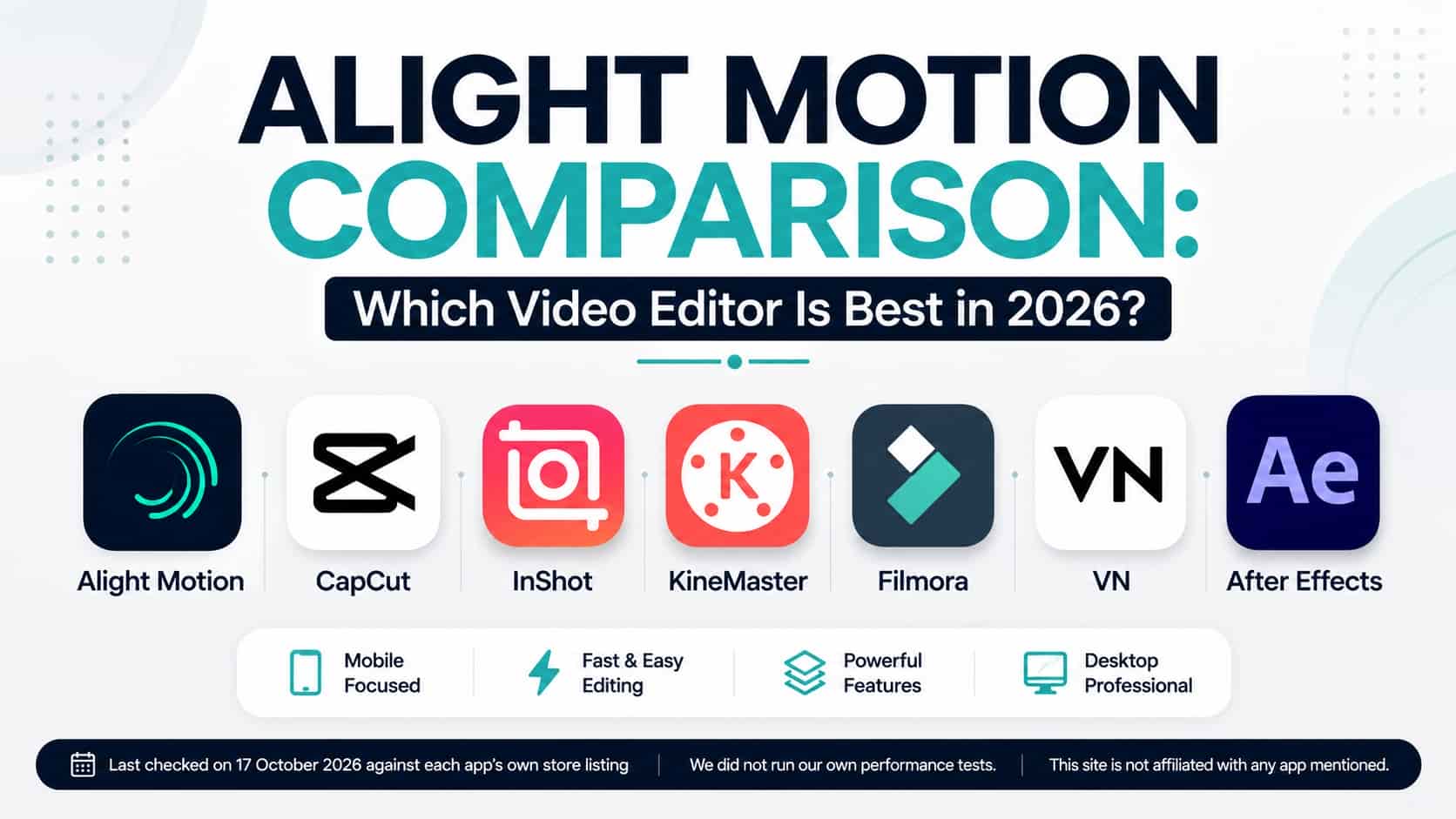
Alight Motion comparison: the quick verdict
Motion graphics and keyframe animation on a phone:
Alight Motion. Its listing names keyframes for all settings, vector and bitmap support, and more than 160 effect building blocks.
Quick social edits with strong speed tools:
CapCut. Its listing names speed from 0.1x to 100x with curves, chroma key, and 4K 60fps export.
Free editing with no watermark:
VN. Its listing calls it a free editor with no watermark, with VN Pro as an optional upgrade.
Simple edits for posts:
InShot. Its listing names green screen, speed control, keyframes, and social-format tools.
Layered edits with blending modes:
KineMaster.
AI-assisted editing with a desktop edition:
Filmora.
Studio-level desktop animation:
After Effects, on Windows or macOS only.
No app wins every category. The sections below show where each one is strong, based on what its own listing says.
How we compared these editors
This video editing apps comparison uses only what each app’s own listing or maker states: platforms, free-tier limits, named features, and export options. We did not time exports, test stability, or measure battery use, so we do not rank speed or reliability. The “best for” lines are our reading of the listed features. Prices are left out of the table because they differ by country, store, and offer, and they change often. Check the listing in your own country before you pay. We looked at five things for every app: where it runs, what the free version limits, which editing tools it names, how it exports, and how it is paid for.
Video editing apps side by side
This mobile video editor comparison table summarizes the official listings.
| App | Platforms | Free version and watermark | Notable features per the listing | Best for (our reading) |
|---|---|---|---|---|
| Alight Motion | iOS and Android. Windows and macOS listed as not compatible by its Help Center | Free with a watermark; paid memberships remove it | Layers of graphics, video and audio; vector and bitmap; 160+ effect building blocks; keyframes for all settings; masking; exports MP4, GIF and PNG sequences | Keyframe-heavy motion graphics on a phone |
| CapCut | iOS and Android; a desktop version exists | Free app. Its help page lists no-watermark and 4K/60fps export among Pro features in some cases | Keyframes for all settings; chroma key; stabilization; speed 0.1x to 100x with curves; 4K 60fps export | Fast social edits with strong speed tools |
| InShot | iOS and Android; Mac with Apple Silicon | Pro removes the watermark and ads | Keyframe editing; green screen; speed control; 4K 60fps saving; blur border and square-fit tools | Simple, quick edits for posts |
| KineMaster | iOS and Android | Free with a watermark; Premium removes it | Multiple layers incl. text and handwriting; blending modes; chroma key; keyframe animation; Asset Store; 4K export | Layered edits with blending modes |
| Filmora | iOS and Android; desktop editions | Pro removes the watermark and Logo Roll | AI auto cut, remover, dynamic captions, text to video; keyframes; masking | AI-assisted editing |
| VN | iOS and Android; Mac App Store | Free with no watermark per its listing; VN Pro is optional | 19 built-in keyframe effects with custom curves; speed curve with 6 presets; custom resolution, frame rate and bit rate | Free, watermark-free editing with a precise timeline |
| After Effects | Windows and macOS desktop only | Paid Adobe software; an Adobe ID is required | Desktop motion graphics and compositing; Adobe lists a GPU with at least 4 GB of memory | Studio-level desktop animation |
Alight Motion competitors: what each app offers
Alight Motion.
The App Store listing describes layers of graphics, video and audio, vector and bitmap support, and more than 160 effect building blocks. Exports include MP4, GIF, and PNG sequences. The free version adds a watermark. The Help Center lists Android and iOS as compatible and Windows and macOS as not compatible. If you are on a computer, read Alight Motion for PC.
CapCut.
The listing, from ByteDance, names keyframe animation for all settings, chroma key, stabilization, speed from 0.1x to 100x with curves, and 4K 60fps export. CapCut’s help page says some options, including 4K 60fps export and no watermark, need Pro in certain cases, so read the export screen before you commit to a long project.
InShot.
The listing names keyframe editing, green screen, speed control, and 4K 60fps saving, plus social-format tools such as a blurred border. An InShot Pro subscription removes the watermark and ads.
KineMaster.
The listing describes multiple layers of video, images, stickers, text and handwriting, blending modes, chroma key and a keyframe animation tool. It is free with a watermark, and a Premium subscription removes the watermark and gives access to all editing tools and Asset Store items. The App Store text for iPhone lists 4K export at 60 FPS, while the Android text lists 4K at 30 FPS.
Filmora.
The mobile listing describes an AI-based editor with auto cut, remover, dynamic captions and text to video, plus keyframes and masking. Filmora Pro removes the watermark and Logo Roll. The same maker sells desktop editions.
VN.
The listing calls VN a free editor with no watermark. It names 19 built-in keyframe effects with custom curves, a speed curve with six presets, and custom export settings for resolution, frame rate and bit rate. It also lists Dolby Vision HDR editing on iPhone 12 and newer models.
After Effects.
Adobe’s requirements page lists Windows and macOS only and requires an Adobe ID. It solves a different problem from a phone app.
Looking for more options? See Alight Motion alternatives or Alight Motion vs Canva.
Which of these editors run on a computer?
This decides the shortlist for many readers. Alight Motion has no Windows or macOS version, according to its Help Center. CapCut’s listing points to a desktop version. InShot’s listing says it runs on a Mac with an Apple M1 chip or later. VN has a Mac App Store listing, and Filmora’s maker sells desktop editions. After Effects is desktop only. If you want Alight Motion specifically on a laptop, there is an emulator route, explained in Alight Motion for PC. If you would rather use a native desktop editor, pick from the other apps.
Alight Motion vs CapCut vs InShot, and vs KineMaster vs Filmora
Alight Motion vs CapCut vs InShot
All three listings name keyframes. Alight Motion adds vector and bitmap support and effect building blocks. CapCut adds speed curves, stabilization and chroma key. InShot adds social-format tools and a simpler feature set. On cost, Alight Motion’s free version has a watermark, InShot’s Pro removes the watermark and ads, and CapCut depends on the settings and assets you use.
Choose Alight Motion if you animate shapes and text, CapCut if speed ramps and chroma key matter most, and InShot for quick posts. Full head-to-head pages: Alight Motion vs CapCut and Alight Motion vs InShot.
Alight Motion vs KineMaster vs Filmora
Alight Motion, KineMaster and Filmora all show a watermark in their free versions until you pay. Alight Motion and KineMaster both list multiple layers and keyframes. KineMaster adds blending modes and an Asset Store. Alight Motion adds vector support. Filmora’s listing leans on AI tools and also names masking, and its maker sells desktop editions, which Alight Motion does not have.
Details are in Alight Motion vs KineMaster and Alight Motion vs Filmora.
Full head-to-head pages


Best video editor for animation
For hand-built animation, look for keyframes on every property, vector shapes and reusable effect blocks. Alight Motion’s listing names all three. CapCut’s listing also names keyframes for all settings. KineMaster lists a keyframe animation tool for layers, VN lists 19 built-in keyframe effects with custom curves, and Filmora lists keyframes and masking.
On a phone, Alight Motion is the one whose listing centers on motion design, while the others present keyframes as one feature among many. That is our reading of the listings, not a test result. If you can work on a desktop and need studio-level compositing, After Effects is the standard tool, but it needs Windows or macOS. See Alight Motion vs After Effects.
Best video editor app for reels
No listing claims to be the best for reels, so this is our judgment from the named tools. CapCut lists speed curves, chroma key, and 4K 60fps export. InShot lists blur-border and square-fit tools meant for social formats. VN is free with no watermark, and lists a speed curve and custom export settings. Filmora lists dynamic captions.
For a quick reel, start with CapCut, VN or InShot. Use Alight Motion when the reel depends on animated titles or graphics that you build yourself. We have not tested how each app handles Reels upload settings, so confirm the current Instagram requirements before exporting.
Alight Motion vs other apps: what each one costs
Prices differ by country and change, so this section compares structure, not numbers.
- Alight Motion: free with a watermark, with paid memberships. The US App Store listing showed in-app purchases between $0.99 and $7.99 when we checked.
- CapCut: its help page says you can subscribe through the App Store, Google Play or CapCut Web, and the price can differ between them.
- InShot and Filmora: both list a Pro plan that removes the watermark. Both list a one-time or perpetual option next to subscriptions.
- KineMaster: monthly or annual Premium subscription.
- VN: free, with VN Pro as an optional upgrade.
A free export without a watermark is the biggest saving, and among these apps only VN promises it in its listing. Modified copies of paid editors are not a licensed alternative. Alight Motion’s Help Center warns that apps from unofficial sources may contain malware or modifications. Our is the Alight Motion mod safe page covers the risks.
Which video editor should you choose?
You want to animate text and shapes on a phone:
Alight Motion.
You edit short videos quickly and add captions or speed ramps:
CapCut, or Filmora if you want AI tools.
You want a free export with no watermark:
VN, and read its listing for current terms.
You want a simple editor for posts:
InShot.
You like blending modes and layers:
KineMaster.
You work on a desktop and need studio-level motion graphics:
After Effects.
Frequently asked questions
Which video editor wins in an Alight Motion comparison?
No single editor wins. Alight Motion leads for keyframe animation and vector work on a phone, CapCut for quick edits with speed curves, VN for free exports without a watermark, and After Effects for desktop studio work. The right pick depends on your device, budget and video type. Facts were checked on 17 October 2026 from each app’s own listing.
Who are the main Alight Motion competitors?
In the comparison pages we reviewed, the apps most often set against Alight Motion are CapCut, InShot, KineMaster, Filmora and VN on phones, and After Effects on desktops. Each competes on a different strength: CapCut on speed tools, InShot on simplicity, KineMaster on layers and blending modes, Filmora on AI features, VN on a free watermark-free tier.
Alight Motion vs CapCut vs InShot: which should a beginner choose?
Each maker calls its own app easy to use, so no listing settles it. CapCut and InShot present simpler tool sets, while Alight Motion lists layers, vector support and keyframes, which means more controls to learn. Test the free version of two apps with one short clip and keep the one whose controls you understand fastest.
Alight Motion vs KineMaster vs Filmora: do all three add a watermark?
Yes, in the free version. Alight Motion’s App Store listing says free exports carry a watermark that paid memberships remove. KineMaster’s listing says the same for its Premium subscription, and Filmora’s listing says Filmora Pro removes the watermark and Logo Roll. Check the export screen in each app before you finish a project.
What is the best video editor for animation on a phone?
In our reading, Alight Motion is the strongest fit: its listing names keyframes for all settings, vector and bitmap support, and more than 160 effect building blocks. CapCut, KineMaster, VN and Filmora also list keyframes. For studio-level work, After Effects runs on Windows and macOS only. This is a judgment from listings, not a test result.
What is the best video editor app for reels?
No listing claims the title, so this is a judgment. CapCut lists speed curves and 4K 60fps export, InShot lists social-format tools, VN lists a free no-watermark tier with a speed curve, and Filmora lists dynamic captions. Use Alight Motion when the reel depends on custom animated graphics. Confirm Instagram’s current upload settings before exporting.
Alight Motion vs other apps: which video editor has no watermark?
In this Alight Motion comparison, VN is the only app whose listing promises a free editor with no watermark. InShot, KineMaster, Filmora and Alight Motion list paid plans that remove theirs, and CapCut’s help page ties no-watermark export to Pro in some cases. Rules change, so read each app’s export screen.
Is Alight Motion free?
Alight Motion is free to download, with basic features and a watermark on exports, according to its App Store listing. Paid memberships remove the watermark and add premium effects. On 13 October 2026, the US listing showed in-app purchases from $0.99 to $7.99. Prices and offers differ by country.
Which video editing apps export in 4K?
CapCut and InShot list 4K 60fps export. KineMaster lists 4K export at 60 FPS in its iPhone text and 30 FPS in its Android text. VN lists custom resolution, frame rate, and bit rate. Filmora’s older listing ties 4K to its paid plan. The Alight Motion listing text we checked does not state 4K.
Does Alight Motion work on Windows or Mac?
No. Alight Motion’s Help Center lists Windows and macOS as not compatible, and lists Android and iOS as compatible. Chromebooks that run Android apps are partly compatible. Windows users can only run it through an unofficial emulator setup, explained in Alight Motion for PC. CapCut, InShot, VN and Filmora list desktop or Mac options.
Is CapCut available in India?
Several 2026 reports say CapCut has been unavailable through official Indian app stores since India’s 2020 ban on Chinese apps. Availability can change, so check the Google Play or App Store listing for your own country. Apps with store listings you can compare include InShot, VN, KineMaster and Alight Motion; confirm each in your store.
Does Alight Motion support Urdu or Hindi?
Alight Motion’s App Store listing shows Hindi among its interface languages and does not list Urdu. The listing also names custom font support, which lets you add fonts for scripts the built-in set may not cover. Interface language and text language are separate things. See Alight Motion Urdu font.
Can I see video editing apps side by side in one table?
Yes. The mobile video editor comparison table in this article lists Alight Motion, CapCut, InShot, KineMaster, Filmora, VN and After Effects by platform, free-version limits, notable features and best use. Every cell comes from the app’s own listing or help page, checked on 17 October 2026.
Is a modified version of Alight Motion or CapCut safe?
It cannot be verified. Alight Motion’s Help Center warns that apps from unofficial sources may contain malware or modifications, may damage the device, and may cause loss or leak of projects or data. A modified build also bypasses the paid plan, so it is not a licensed option. Use the Google Play or App Store version.
How reliable is an Alight Motion comparison found online?
Treat it with care. We found pages saying CapCut has no keyframes, which CapCut’s own listing contradicts, and a page listing Alight Motion on Windows, which its Help Center contradicts. A trustworthy video editing apps comparison cites each app’s own listing, shows a check date, and says what was not tested.

Not sure which editor fits?
Test the free version of two apps with one short clip and keep the one whose controls you understand fastest.