
Alight Motion for iOS: iPhone & iPad Download Guide (2027)
Yes. Alight Motion for iOS is on the Apple App Store, and the iPhone and iPad version is free to download. Free exports carry a watermark; paid memberships bought inside the app remove it and add premium effects. For the Alight Motion iOS download, Apple lists iOS or iPadOS 14.4 or later as the minimum.
- Free to download
- iOS 14.4+
- 200.2 MB
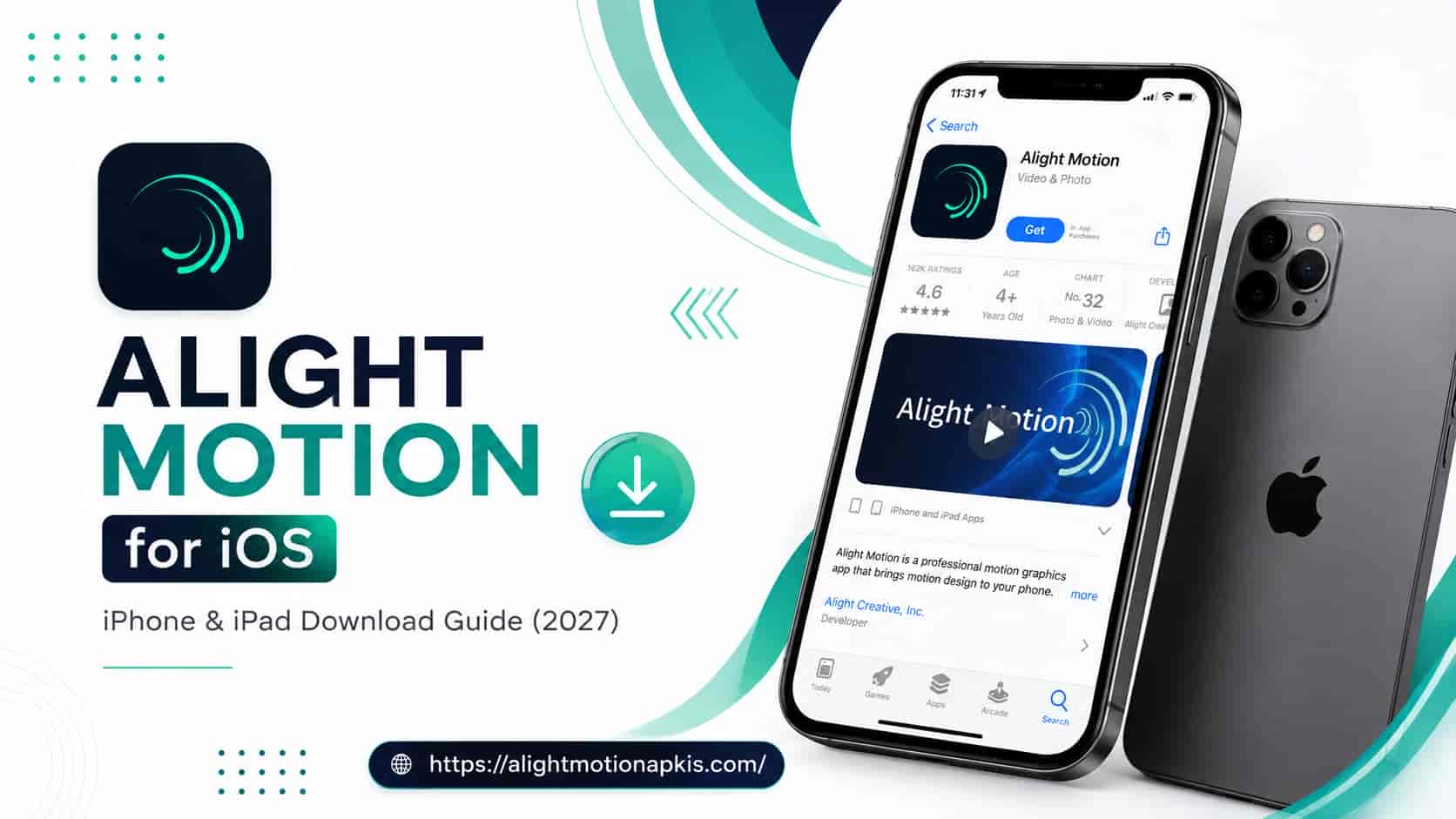
Alight Motion for iOS at a glance (iPhone and iPad)
| Item | What the App Store listing says |
|---|---|
| Seller | Bending Spoons Apps ApS |
| Price | Free to download, with in-app purchases |
| Download size | 200.2 MB |
| Minimum software | iOS 14.4 (iPhone, iPod touch) and iPadOS 14.4 (iPad). Apple Vision: visionOS 1.0 |
| Latest version listed | 6.2.60, updated 2 October 2026 |
| Age rating | 4+. Contains advertising and user-generated content |
| Interface languages | English plus 17 others, including Hindi, Arabic and Indonesian. Urdu is not on the list |
What Alight Motion can do on iPhone and iPad
Apple’s listing describes Alight Motion for iPhone and iPad as a motion design app with multiple layers of graphics, video and audio, vector and bitmap support, and more than 160 basic effect building blocks that can be combined. Keyframe animation is available for all settings, and the app supports cameras, grouping and masking, color adjustment, and custom animation easing.
For exports, the listing names MP4 video, GIF animation, PNG sequences, and stills. It also lists custom font support, which matters if you write in a language the built-in fonts do not cover. Layers can be copied between projects, and favorite elements can be saved for reuse.
Alight Motion iOS download: how to install it on iPhone or iPad
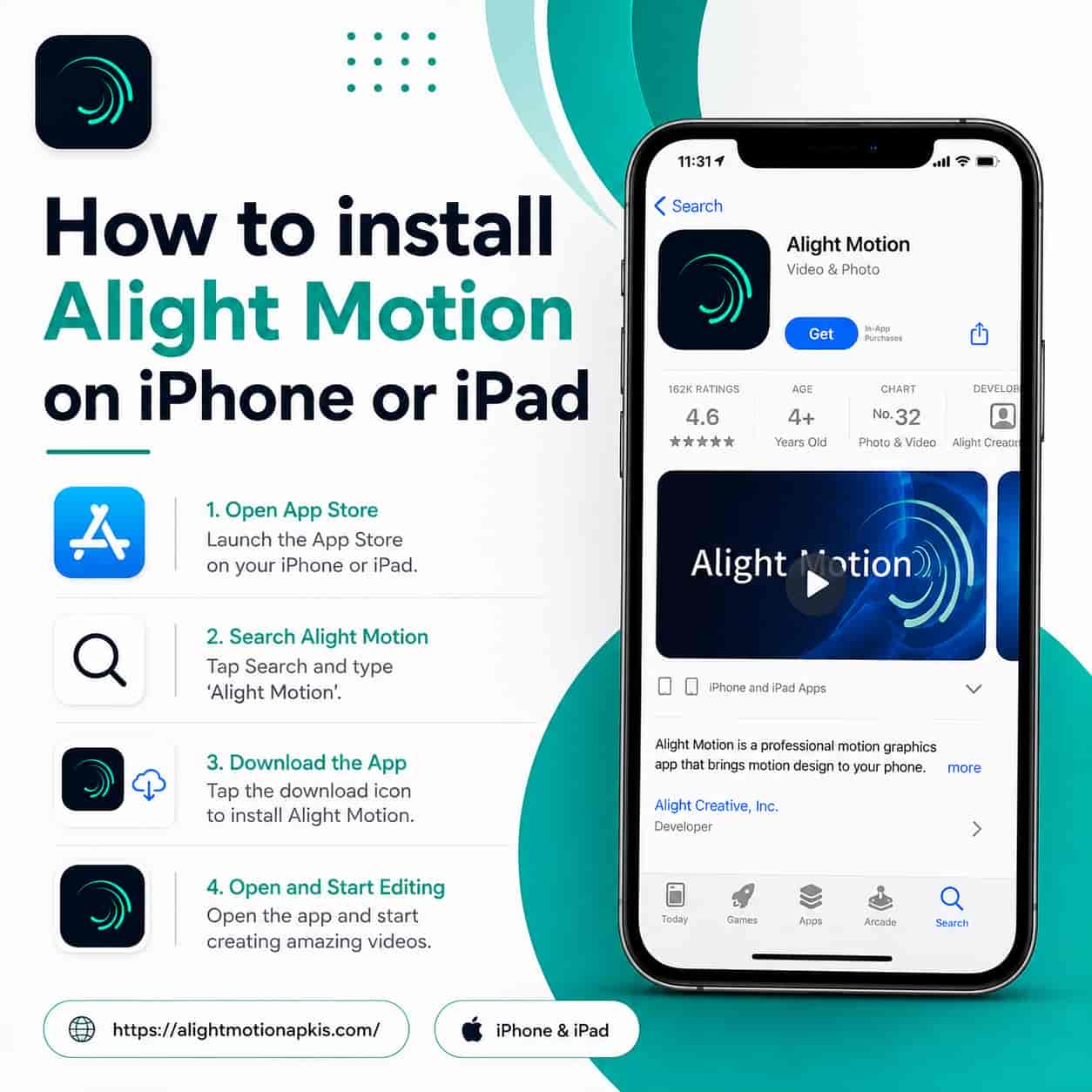
- Check your software version. Open Settings > General > About and read the iOS (or iPadOS) version. You need 14.4 or later.
- Search the App Store. Search for “Alight Motion” and confirm the seller name on the listing. In October 2026, it shows Bending Spoons Apps ApS.
- Tap Get. The download is about 200 MB, so use Wi-Fi if your mobile data is limited.
- Open the app and start a project. The free version works with basic features, and exports include the watermark.
Using an Android phone instead? Our all Alight Motion downloads page covers Android builds.
Alight Motion for iPad or iPhone: which suits you better?
Both use the same App Store listing, and the listing does not describe feature differences between them. The practical difference is screen size. Alight Motion for iPad suits longer projects: a timeline with many layers and keyframes is easier to read, and small handles for masks and curves are easier to hit. Alight Motion for iPhone is enough for short vertical videos and quick edits, and the iPhone is the device most people already carry. If your phone lags in large projects, an iPad with more memory may help, though the listing does not publish device benchmarks, so test with a small project first.
Alight Motion iOS free version: what you get and what costs money
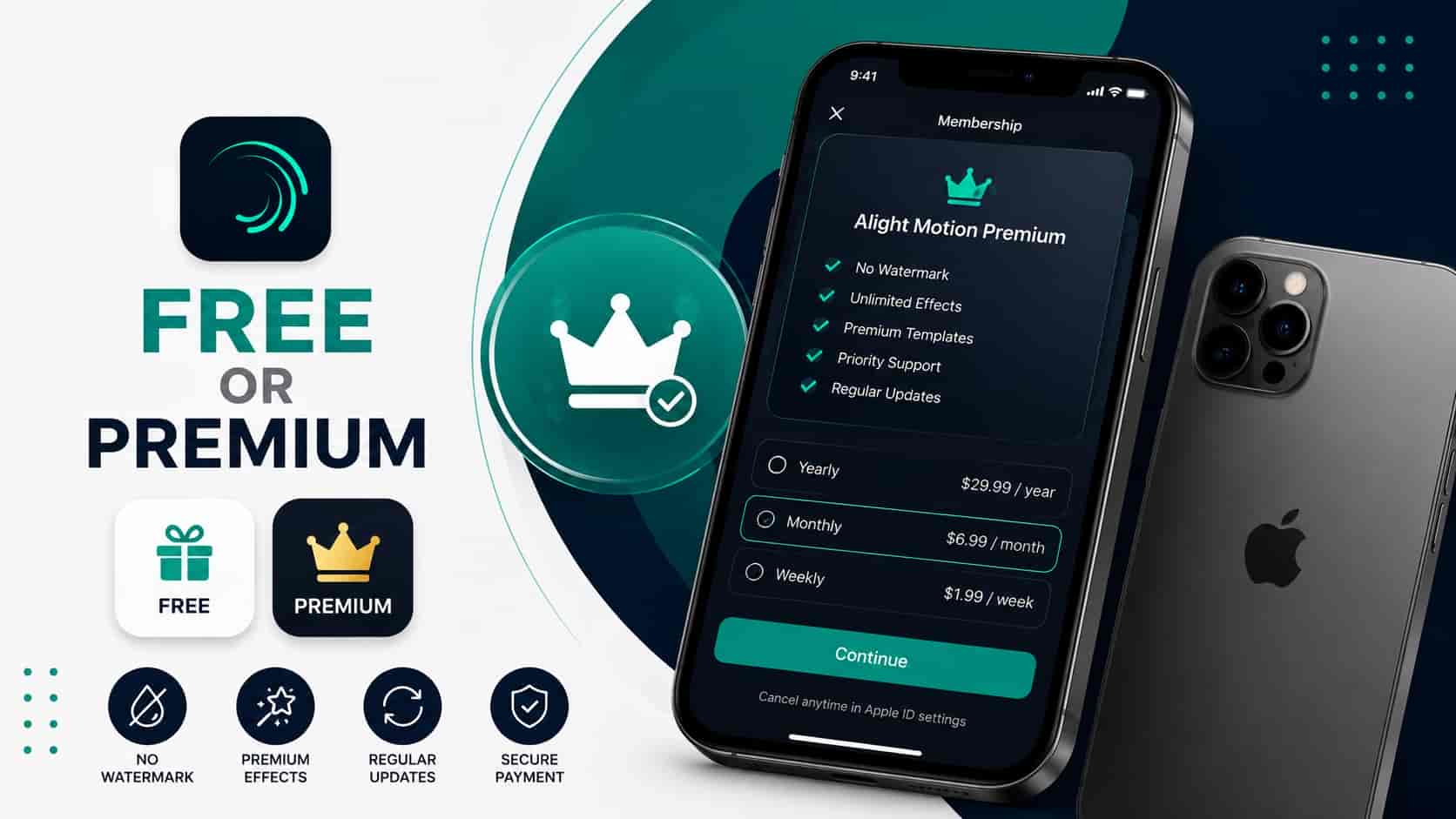
Apple’s listing says Alight Motion is free to use with basic features and a watermark on the videos you create. That Alight Motion iOS free version is enough to learn the app. Several paid membership options inside the app remove the watermark and give access to a regularly updated library of premium effects and features.
Memberships renew automatically unless you cancel at least 24 hours before the next period begins. You manage them in your Apple ID settings. The listing also says some in-app purchases and subscriptions may be shareable through Family Sharing.
What it costs. On 13 October 2026, the US listing showed in-app purchases between $0.99 and $7.99, including a monthly plan at $6.99 and several weekly plans. Introductory offers and prices differ by country and change over time, so read the price on the purchase screen before you confirm.
Before you pay for a membership
The free version is enough to judge whether the app suits your phone. Build one short project with keyframes and a mask, export it, and see how your device handles it. Then check three things: the price shown in your own country, whether a free trial is offered, and how to cancel. To cancel or change a plan, open Settings, tap your name, then tap Subscriptions. Apple’s listing confirms that subscriptions are managed in Apple ID settings.
Alight Motion Pro iOS: what “Pro” means
Many users call the paid membership “Pro”, so searches for Alight Motion Pro iOS usually mean the paid plans. Apple’s listing does not describe a separate Pro app. It describes paid membership options inside the app, so check the plan names on the in-app membership screen for what is offered today.
Alight Motion iOS no watermark: the official route
The official way to export without the watermark is a paid membership. Other methods, and what they cost you in quality or risk, are compared in How to Remove Alight Motion Watermark
Alight Motion iOS requirements and iOS 18 compatibility
The listing requires iOS 14.4 or later on iPhone and iPod touch, and iPadOS 14.4 or later on iPad. For Alight Motion iOS 18 compatibility, note that “or later” has no upper limit, so newer releases, including iOS 18, are not excluded. The listing does not publish test results for each iOS version. After a major iOS update, install the latest Alight Motion update as well. The version history shows regular releases through 2025 and 2026.
Older guides still quote lower minimums such as iOS 12. If your device cannot run iOS 14.4, the App Store will not offer the current version.
Is there an Alight Motion app for Mac?
The App Store description says the app is for iPhone, iPad and Mac. The compatibility list on the same page names iPhone, iPad, iPod touch and Apple Vision, and does not name Mac. Treat Mac support as unconfirmed until you see Alight Motion offered in your own Mac’s App Store. We cover this in Alight Motion for Mac. Windows users should read Alight Motion for PC.
Alight Motion mod iOS and IPA files: what they are and the risks
An IPA is the file format iOS apps are packaged in. When you install from the App Store, you never handle one. Searches for “alight motion ipa” and “alight motion mod ios” usually lead to modified copies of the app shared outside the App Store.
Apple’s support pages say the Apple Developer Enterprise Program is for an organization’s own internal apps. Outside device management, an enterprise app has to be trusted manually under Settings > General > VPN & Device Management, and iOS 18 and later require a restart to finish that trust. A modified Alight Motion installed this way is not reviewed by Apple and was not made by the developer.
From that, a few practical risks follow. These are our assessment, not Apple statements:
- You cannot verify what was changed inside the file.
- An app signed with an enterprise certificate can stop opening if that certificate stops working.
- Modified builds skip the paid membership that funds the app, so they are not a licensed way to get paid features.
- Never type your Apple ID password anywhere except Apple’s own prompts.
This guide does not give installation steps for modified IPA files. For the Android side of the question, see our safety page: is the Alight Motion mod safe.
Alight Motion iPhone XML import and QR presets
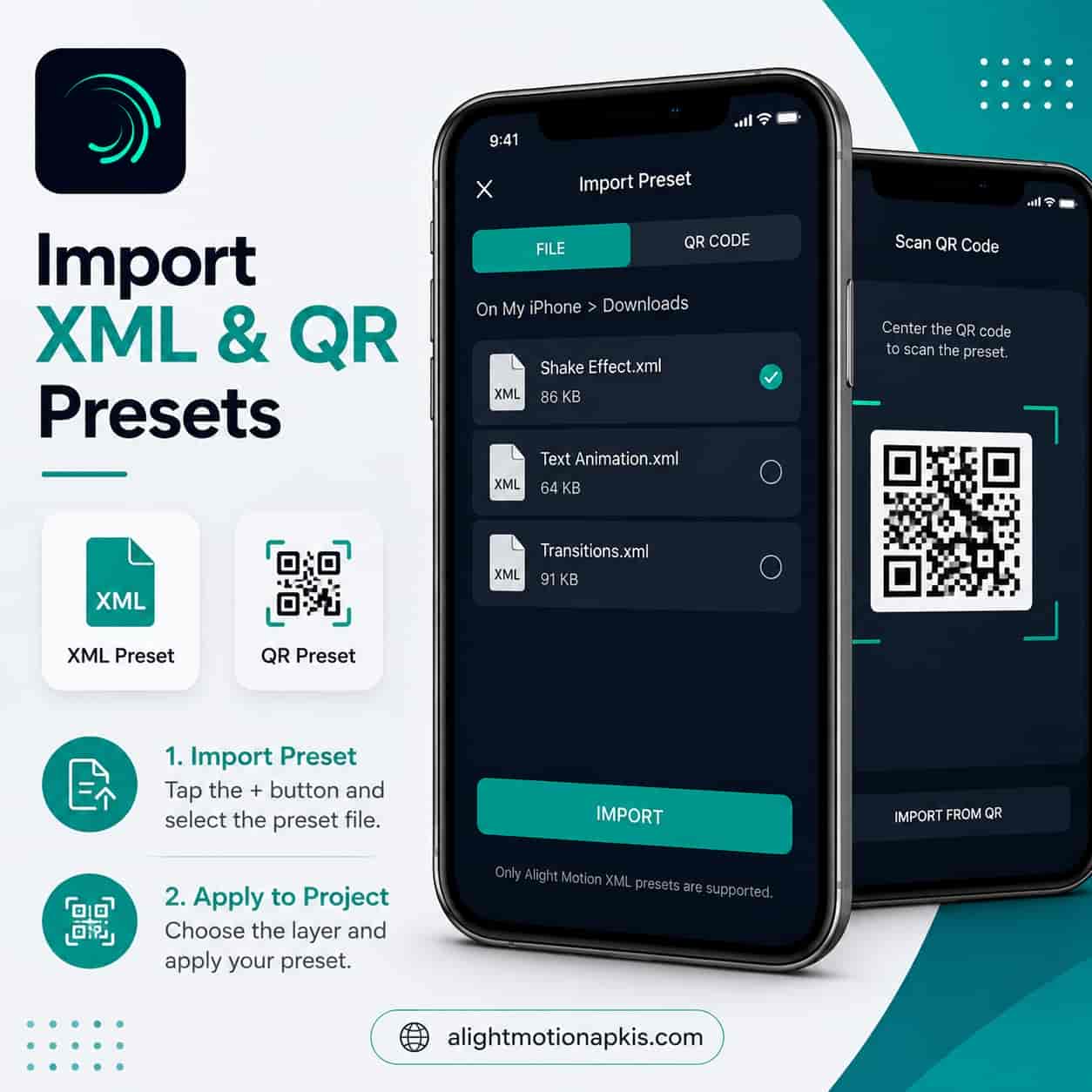
Alight Motion can share projects with other people; the listing mentions sharing project packages. Community presets usually arrive as an XML file or a QR code. In general, for an Alight Motion iPhone XML import, you save the file to the Files app and open it with Alight Motion through the share sheet or the app’s own import option. The menu names can differ between versions, so follow what you see on your screen. Only import files from sources you trust, because a preset opens as a full project.
Step-by-step help and example files are in Alight Motion XML presets and QR code presets for iPhone.
Projects, privacy and troubleshooting
Moving projects between iPhone, iPad and Android
The listing says you can share project packages with others, and it lists a weekly cloud subscription among the in-app purchases. What the cloud plan covers is not explained on the listing, so read the in-app description before buying it. If you work on both iPhone and iPad, share a project package to yourself and open it on the other device. Test this with a small project first, so you know it works before you rely on it for a deadline.
Privacy on the official iOS app
Apple’s App Privacy section is filled in by the developer and is not verified by Apple. It says purchases and identifiers may be used to track you across apps and websites owned by other companies. It also lists purchases, contact information, and identifiers as data that may be linked to you, and usage and diagnostic data as data that may not be linked to you. You can review the full list on the listing and compare it with your own comfort level. For a modified build, no such disclosure exists, which is one more reason the unofficial route is hard to judge.
If the app lags or crashes after installing
Some App Store reviewers report lag, freezes, or crashes, especially on older devices and in large projects. Update iOS and the app, free up some storage, and restart the device. Before you delete and reinstall, export your finished videos and share your project packages, because deleting an app removes its local data. More fixes are in Alight Motion not working.
Frequently asked questions
Where can I get the Alight Motion iOS download?
From the Apple App Store. Search for Alight Motion, check the seller name on the listing, and tap Get. The download is about 200 MB and needs iOS or iPadOS 14.4 or later.
Is Alight Motion free on iPhone?
Yes, Alight Motion for iOS is free to download. The free version has basic features and adds a watermark to exports. Paid memberships inside the app remove the watermark and add premium effects. Prices and offers vary by country, so check the purchase screen.
Does Alight Motion work on iPad?
Yes. Alight Motion for iPad needs iPadOS 14.4 or later, according to Apple’s listing. The same App Store listing covers iPhone and iPad, and the download size is about 200 MB.
What are the Alight Motion iOS requirements?
iOS 14.4 or later on iPhone and iPod touch, and iPadOS 14.4 or later on iPad, according to the App Store listing checked on 13 October 2026. For Alight Motion iOS 18 compatibility, the listing sets no upper limit, so newer iOS versions are not excluded.
Is there an Alight Motion app for Mac?
Unconfirmed. The App Store description mentions Mac, but the compatibility list shows iPhone, iPad, iPod touch, and Apple Vision only. Check your own Mac’s App Store before relying on it.
How do I remove the Alight Motion watermark on iPhone?
The official method is a paid in-app membership, which removes the watermark from exports. Other methods exist, but they can reduce quality or carry risk. We compare them on our watermark page.
Is Alight Motion Pro free on iOS?
No. “Pro” usually means the paid membership. The listing shows plans with free-trial options in some cases, but ongoing paid features need a subscription.
Is an Alight Motion mod iOS IPA safe?
It cannot be verified. Modified IPA files are not reviewed by Apple and are usually installed through enterprise certificates meant for internal company apps. The file contents are unknown, and the app can stop opening if the certificate stops working.
Can I import XML presets on iPhone?
Yes, in general. Save the preset to the Files app and open it with Alight Motion, or use the app’s import option. Menu names vary by version. Import only from sources you trust.
Ready to get Alight Motion on your iPhone or iPad?
Install it from the App Store, start with the free version, and check the price in your own country before you subscribe.